Skip to content
finance & payroll

HR Solutions Built for Finance and Payroll Teams

Run payroll on a system built for your rules. NEOGOV calculates FLSA, overtime, and step increases automatically, and exports a general ledger file your financial system can actually use.

Two employees collaborating on a tablet

Payroll Without the Workarounds

Split hours for FLSA, blend overtime rates across multiple positions, and calculate retro pay automatically. Because the system does the math, your team reviews exceptions instead of every line.
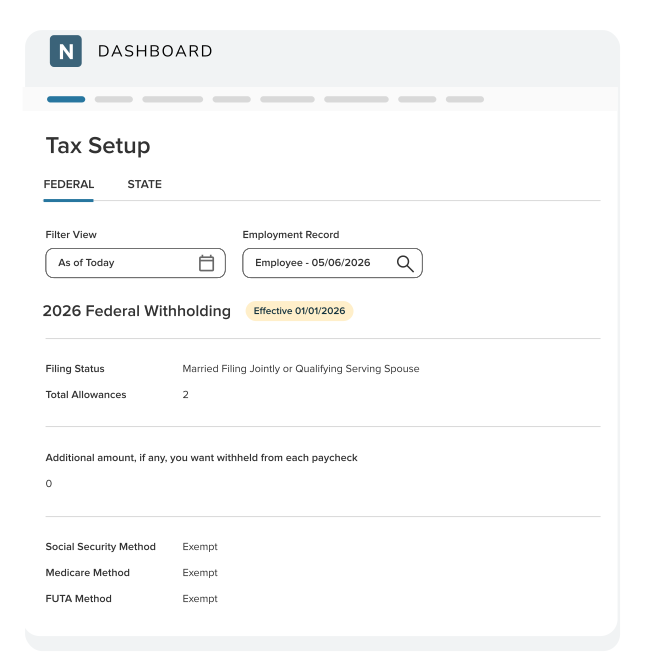

NEOGOV Payroll Tax Setup

Approved timesheets go straight to payroll. Benefits elections flow to payroll and your carriers. Time-off approvals update leave banks and payroll. Nothing gets re-keyed between systems.
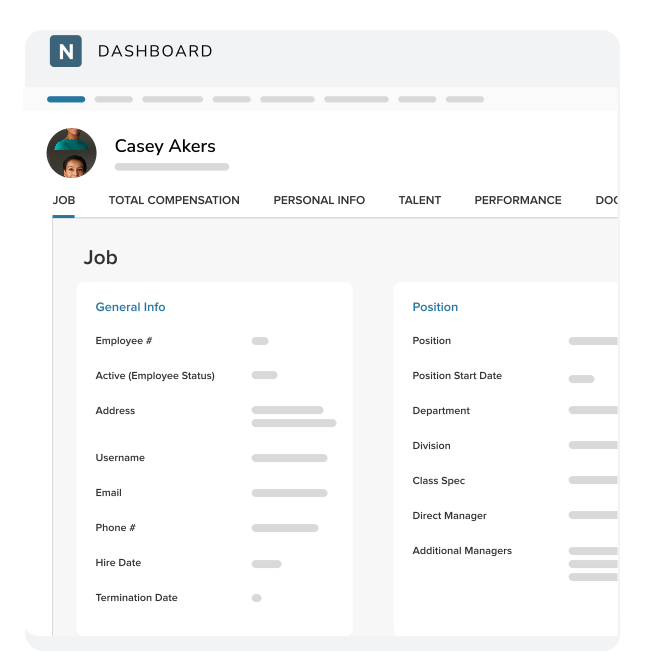
NEOGOV CoreHR Employee Profile

Your accounting system still gets what it needs. Export a general ledger file in your format, with wages allocated across accounts. Every change is captured in an audit trail, including the GL.
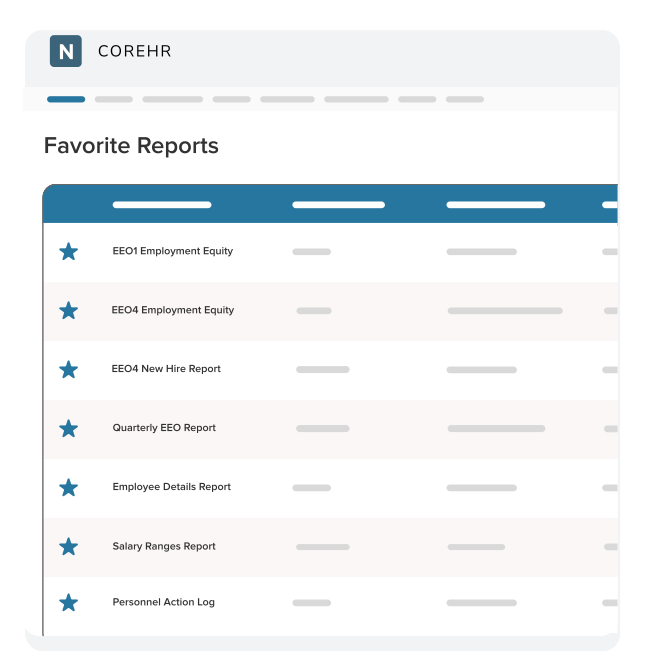

NEOGOV CoreHR Favorite Reports
NEOGOV Payroll Tax Setup
NEOGOV CoreHR Employee Profile
NEOGOV CoreHR Favorite Reports
Two finance employees reviewing reports on a laptop

Designed for Government Payroll, Not Adapted to It

Most payroll systems are built for private employers, where everyone is salaried or hourly and the rules rarely change. Public agencies run on union contracts, step schedules, multiple positions, and FLSA rules. 

NEOGOV has served the public sector since 2000, and our payroll software reflects that.

Key Features for Payroll

Woman working on a laptop
Employee Self-Service

Employees view pay stubs and W2s, update direct deposit, and change tax withholding themselves. Address changes and other updates route through approval workflows, so payroll stops fielding questions it doesn't need to answer.

Man looking at a computer
Effective Dating

Schedule rate changes, tax elections, and direct deposits in advance. Payroll prorates compensation changes automatically when they're effective-dated, so a mid-period increase calculates correctly.

Two coworkers looking at a tablet
Analytics & Reporting

Build reports without writing code. Choose from 30+ standard reports covering payroll structure, deposits, absence statistics, and benefits enrollment, or configure your own and export to Excel.

Recommended Products

Two co-workers looking at a computer together
Core HR
Employee Records

Keep every employee record in one place, updated once and current everywhere.

Two coworkers looking at a computer
Time & Attendance
Timekeeping & Leave

Track hours, comp time, and leave accruals with rules that match your agency's policies.

two coworkers looking at a laptop smiling
Benefits
Benefits Administration

Run open enrollment online and let employees choose their own plans.

Woman typing on computer
Payroll
HR Payroll Management

Efficiently process complex government payroll while reducing errors.

What Finance and Payroll Teams Say About NEOGOV

“The ability to customize has been excellent. But it’s not just the software platform. NEOGOV has staff who understand the differences of public sector needs as well. That’s a real advantage compared to the other platforms out there.”

  Jim Larson, Finance Director, City of West Fargo, ND

“As people begin to understand the significant impact NEOGOV HRIS can have on their bottom line, it will revolutionize government payroll processes.”

  Tracy Knighton, HR Program Manager, Sacramento Housing and Redevelopment Agency

“We used to do so much manipulation to pull reports that it could take half an hour to get some of the reports we needed. Now it takes five minutes and does exactly what we need it to do.”

  Amanda Swanson, HR Generalist, City of West Fargo, ND

Common Questions from Finance and Payroll Pros

Yes. NEOGOV runs payroll and sends the results to your systems of record. You can configure files that transfer payroll data to your financial system and your bank. General ledger reports export in a format built for your accounting software, with wages allocated across accounts and sub-accounts.

Payroll splits hours for FLSA automatically and manages multiple positions, premiums, blended overtime, shift differentials, and retro calculations. Step and scale rates track compensation structures paid through grades and steps, with step progressions automated through configurable rules. Tax laws and regulations are updated in the system as legislation changes.

No. HRIS does not require implementing every component at the same time. NEOGOV typically starts with Core HR, then moves to your next priority, ending with Payroll.

NEOGOV is available through national vehicles including OMNIA Partners and Sourcewell. It’s also offered through a growing list of state and regional programs, including Texas DIR, Pennsylvania COSTARS, Michigan MiDEAL, New York OGS, and the North Carolina Sheriffs' Association. Contract availability varies by state and by product, so confirm your agency's options before you start.

Yes. Audit trail reporting is available as a standard report within every product, showing all field changes, which user made each change, and when. The audit trail covers general ledger activity as well, so payroll changes stay traceable through to your financial reporting.

Finance and Payroll Resources for the Public Sector

two coworkers smiling with laptop (opens in new window)
Debunking the Top 5 Public Sector HRIS Myths

Watch this on-demand webinar for five common myths about HRIS software and what public agencies should actually be evaluating.

Man typing on a laptop
HRIS Buyers Guide for the Public Sector

Discover why your agency needs a HRIS that's purpose-built for the public sector.

Two coworkers looking at a tablet
How to Prepare for Your HRIS Implementation

What to expect at each phase, from data migration to go-live, plus a free checklist covering your team's role and the timeline.

See How Your Payroll Could Run with Government HR Software

Request a demo today to see firsthand how NEOGOV handles your pay rules, your data, and your reporting.