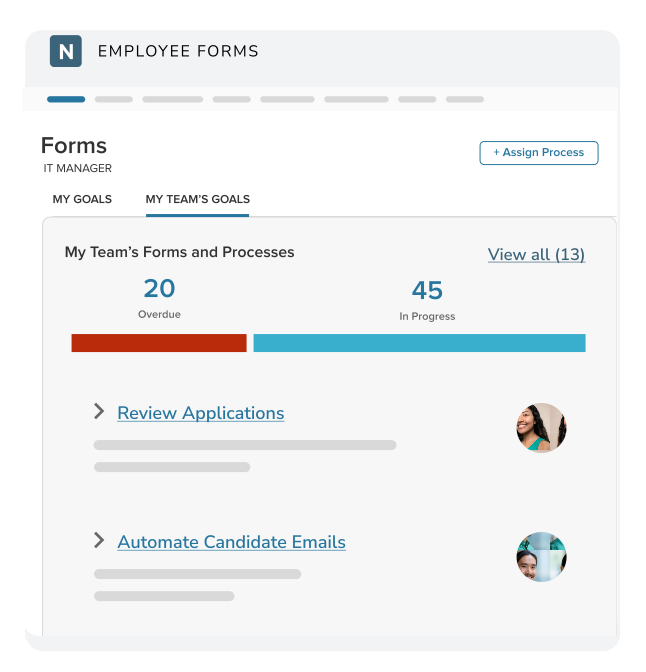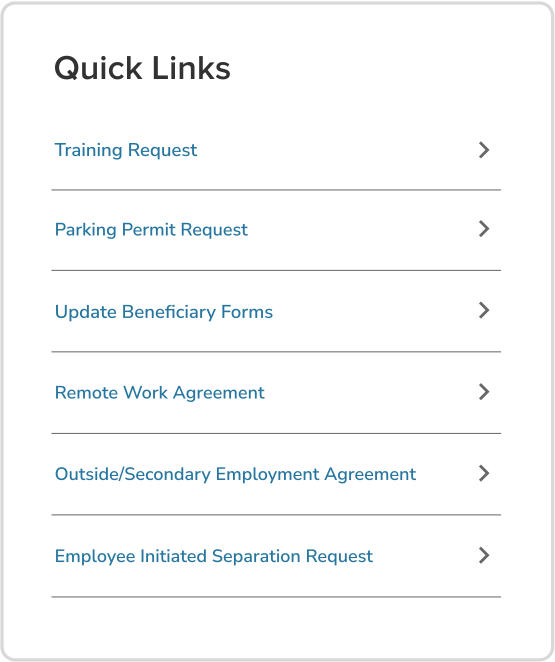

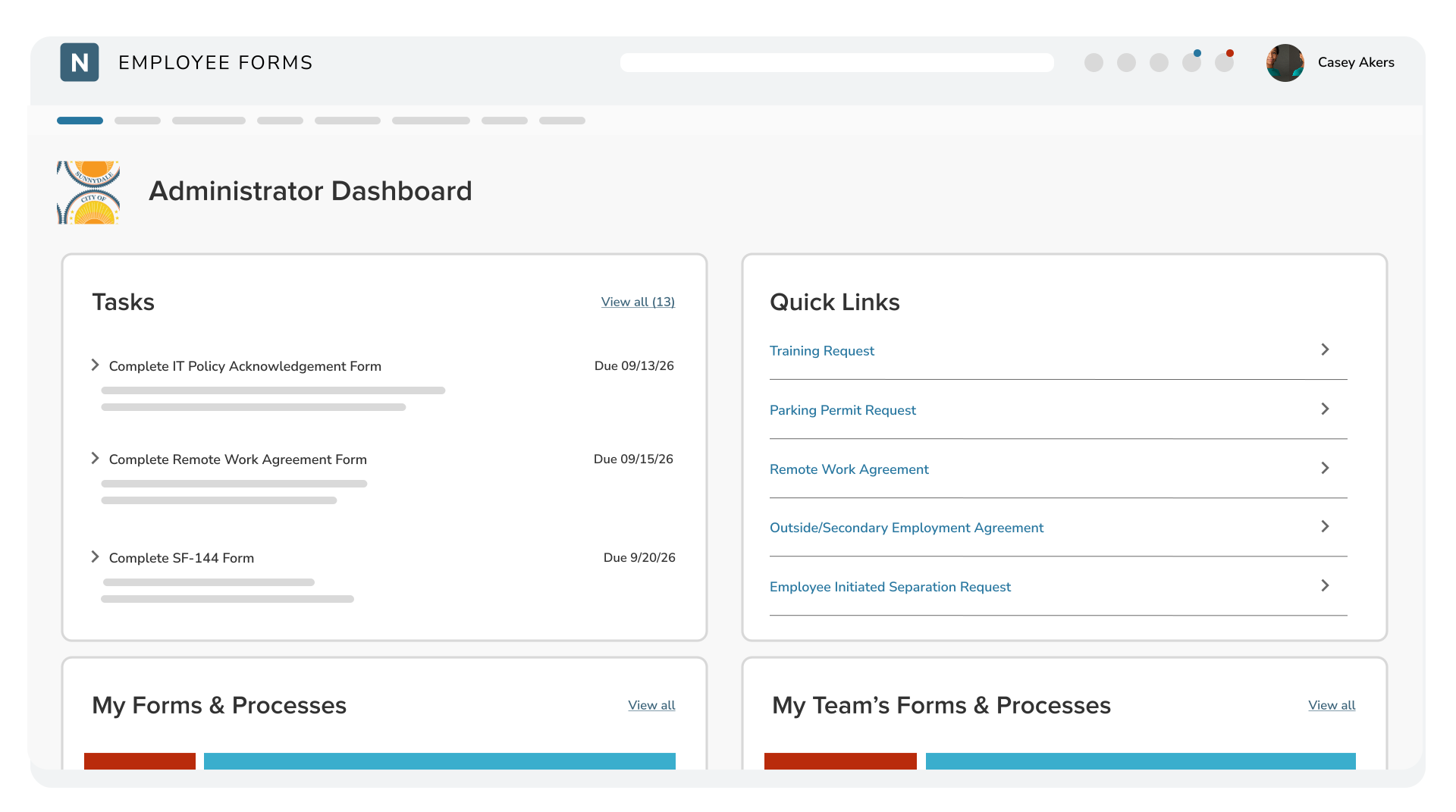
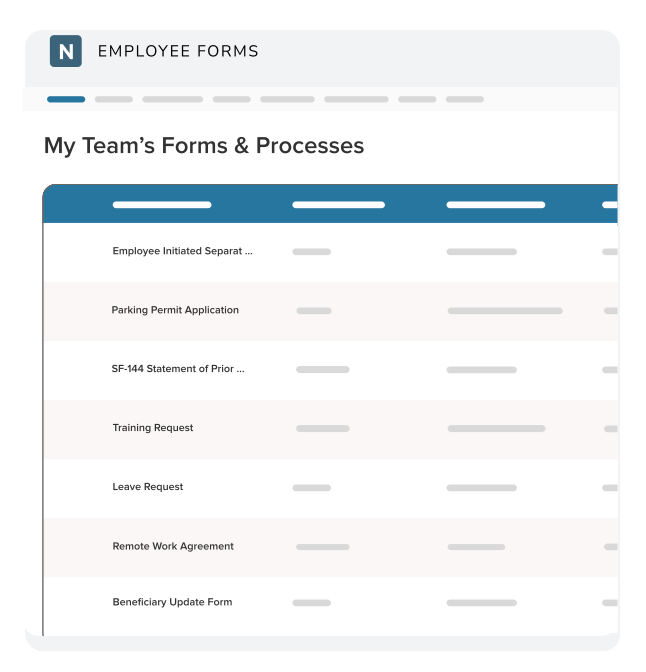
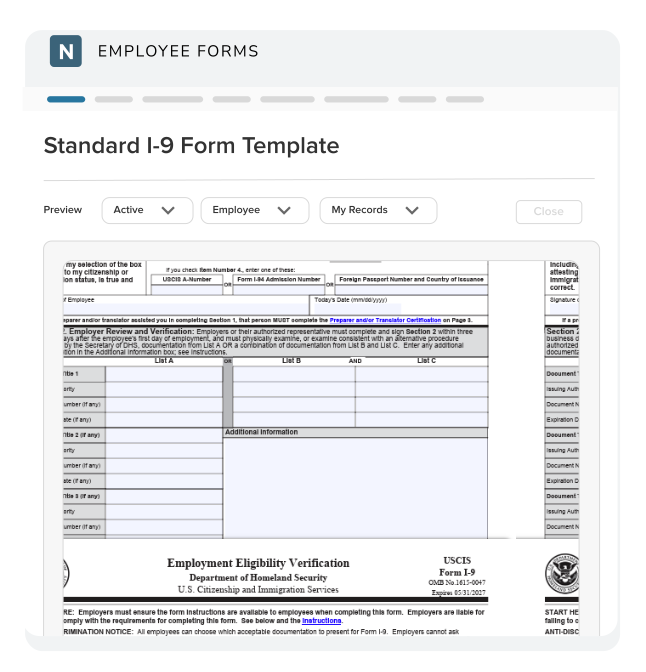
Create forms from scratch or convert existing PDFs, then reuse templates for recurring requests such as remote work agreements, direct deposit changes, and policy acknowledgments. Configure fields, instructions, routing, due dates, supporting documents, and signatures to match each agency process.
eFORMS
Form Management Software for Government
NEOGOV eForms software gives public sector HR teams one place to create forms, route reviews and signatures, track progress, and store completed documents in the digital personnel files. Employees can start requests and check their status without calling HR, while administrators maintain a clear history of what was submitted, reviewed, approved, and completed.
Agencies Like Yours Use NEOGOV eForms
Move Every HR Form From Request to Record
eForms brings digital forms, task routing, electronic signatures, employee self-service, reporting, and digital personnel files in one system built for government HR. Start with a reusable template, convert an existing PDF, or create a form from scratch. Then define who needs to complete, review, approve, or sign each step.
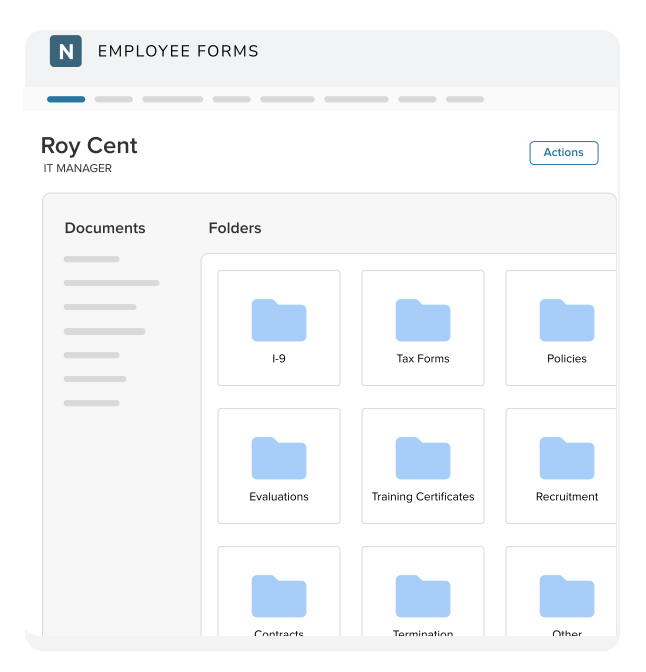
Unlike basic forms management software that stops at submission, eForms connects each request to the people who need to act on it and to the employee record where the final document belongs. Completed forms are automatically organized in digital employee folders instead of being left in inboxes, shared drives, or paper files.
Give Every Form a Clear Path Through Government HR
Route forms to employees, managers, HR, IT, or other departments for sequential or parallel review and electronic signature. When a correction is needed, return the form to the specific task that requires attention instead of restarting the entire process.
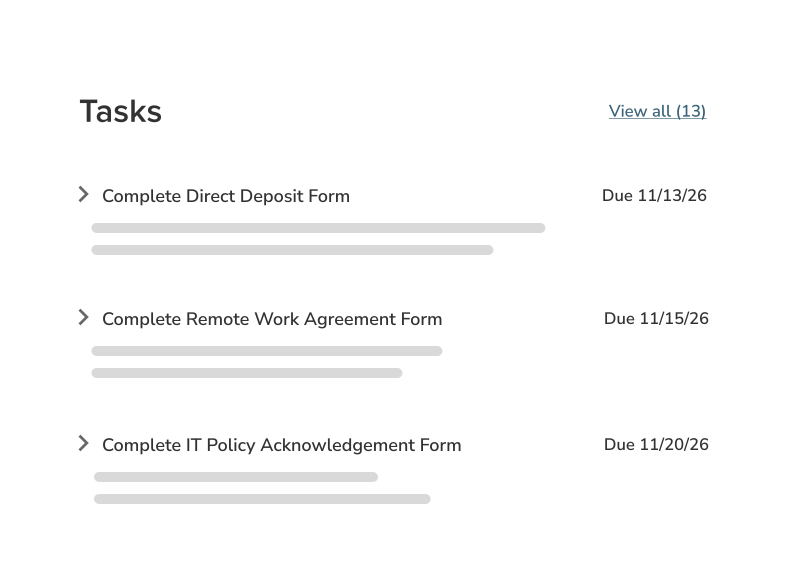
Give employees one place to start requests, complete assigned tasks, upload documents, sign forms, and check progress. Clear visibility reduces manual follow-up and routine status questions for HR.
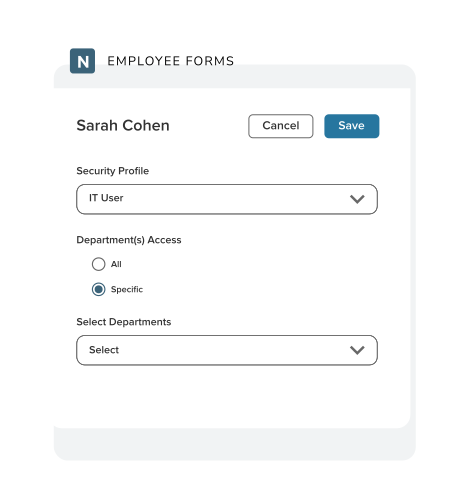
Automatically file completed forms in organized employee folders so authorized users can find records without searching email, shared drives, or paper files. Role-based access helps agencies control who can view and manage sensitive documents.
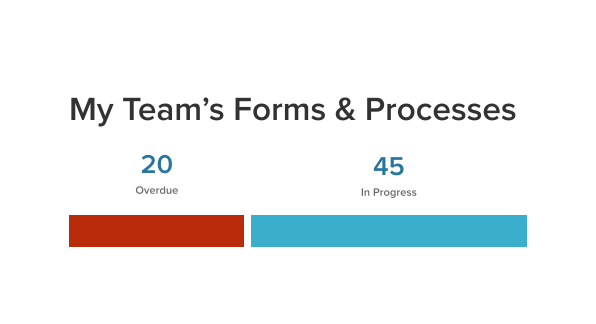
Set due dates and automate reminders and overdue email notifications. Filter reports by department, date, and task status to see what is current, pending, completed, canceled, or skipped. HR can identify stalled work and follow up before deadlines are missed.
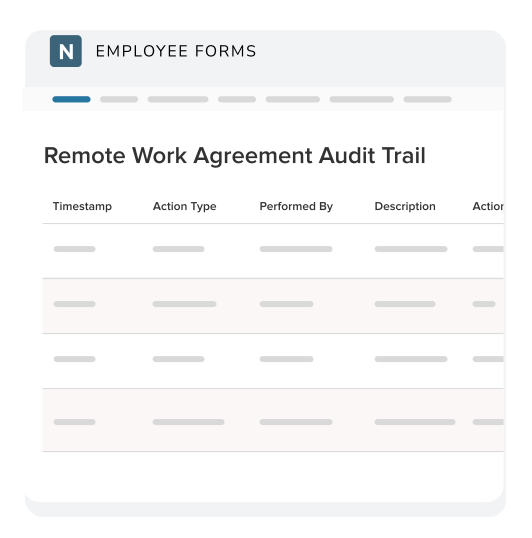
Keep active requests aligned with the current form version while preserving audit entries that show why a process was canceled or restarted. Timestamps, reviewer names, and historical comments provide context for what changed, who acted, and when.
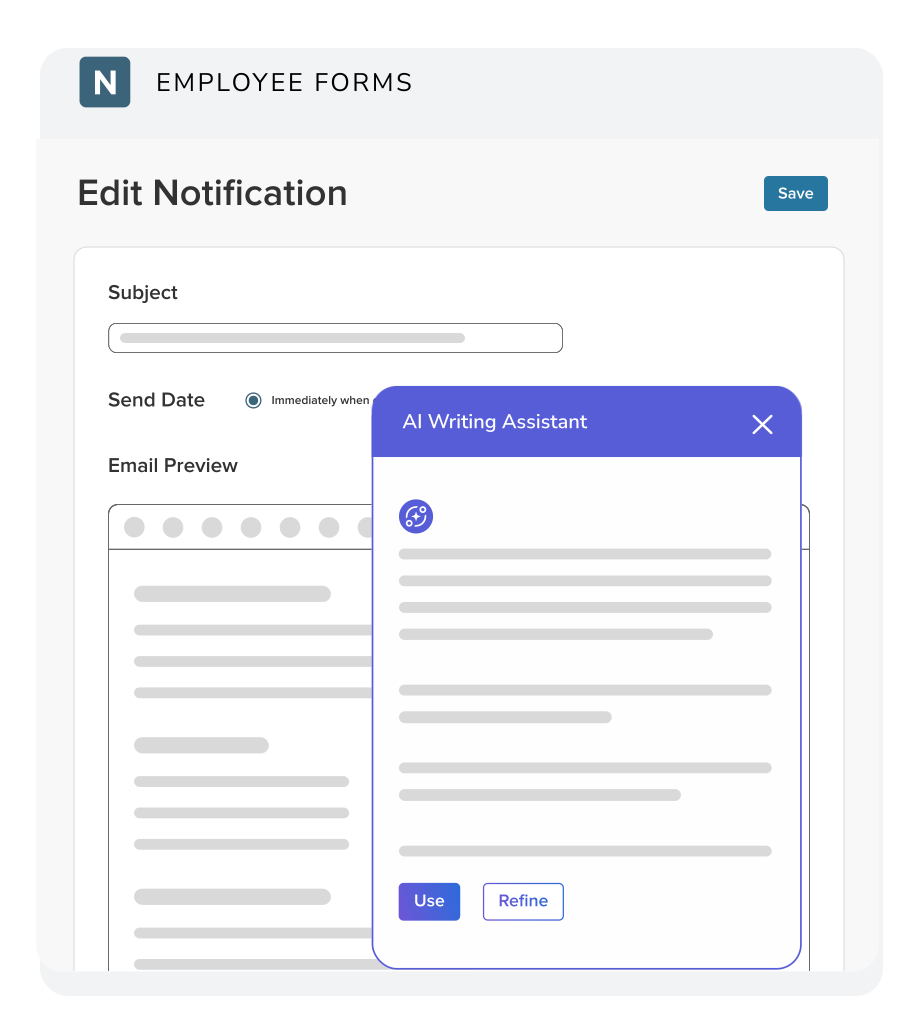
Help HR administrators improve task descriptions, process instructions, and email notifications with built-in options to rephrase, shorten, elaborate, professionalize, or check spelling and grammar. Administrators review and control the final text before it is published.
*The AI Writing Assistant must be enabled by an administrator. Users are prompted for consent before using the feature.
Agencies Like Yours Use eForms to:
“Through eForms, we can adjust our processes and amend our forms quickly. We can launch a new process within an hour.”
“With a digital personnel file, everything is much more organized and accessible for our employees.”
“NEOGOV gave us a way to put everything in one place and make it accessible from anywhere our employees are.”
WHY NEOGOV?
Form and Document Management Built for Government HR
Government HR forms are not standalone transactions. They are tied to formal approval chains, personnel records, public accountability, and sensitive employee information. A general form tool may collect data or a signature; eForms helps an agency manage the full process from the initial request and reviewer action to the completed document in the employee record.
For more than 25 years, NEOGOV has helped public sector organizations manage workforce processes. Because eForms is part of a broader platform built for government, agencies can replace paper and disconnected workflows without adapting a generic private-sector tool to public-sector HR.
How Agencies Like Yours Use eForms
San Luis Obispo County, CA
Cowlitz Public Utility District, WA
City of Temecula, CA
Connect Employee Documents to the Rest of the Workforce Lifecycle
Employee Documents & Forms - eForms
Future-Proof Your Government Agency with an HRIS Platform: A City Manager’s Guide
Employee Documents & Forms - eForms
How Government Agencies Can Successfully Track Employee Proof of Vaccination
Employee Documents & Forms - eForms
The 3 Most Common Themes in Public Sector Policy Changes for 2021
Common Questions About Government Form Management Software
Form management software for government helps public agencies create, distribute, route, sign, track, and store forms within the approval and recordkeeping practices government HR teams manage every day.
NEOGOV eForms also provides employee self-service, reminders, reporting, digital personnel files, and audit history so the form is connected to the process and the final employee record.
Agencies can use eForms for recurring employee requests and acknowledgments such as remote work agreements, direct deposit changes, tuition reimbursement, emergency contact updates, equipment requests, policy acknowledgments, and other HR processes that require forms, tasks, reviews, or signatures.
The appropriate use depends on the agency’s policies, systems of record, and workflow requirements.
Yes. Agencies can convert existing PDFs into digital forms or create new forms from scratch. Administrators can add fields, instructions, attachments, tasks, reviewers, due dates, and signature requirements to reflect the agency’s process.
Yes. Administrators can use NEOGOV-created templates or browse the Global Form Bank, where agencies share forms that other agencies can review and copy into their own environments. For processes, eForms offers NEOGOV-created templates and a Global Process Bank, along with prebuilt templates available directly in the process builder. Forms and processes can then be customized with agency-specific instructions, routing, reviewers, supporting documents, and deadlines.
Yes. eForms supports sequential and parallel approvals across employees, managers, HR, IT, and other departments. Administrators can configure multiple review steps and determine where a form should return when a reviewer identifies information that needs to be corrected.
Yes. Electronic signatures can be included as part of a form process so employees, managers, and reviewers can complete the required signature steps within the workflow.
Agencies should evaluate their own legal, labor, and records requirements when determining how electronic signatures should be configured and used.
Employees can start available requests, complete assigned tasks, upload supporting information, sign and submit forms, view relevant documents, and track progress. This gives employees a clearer view of what they have submitted and reduces routine status questions for HR.
Completed forms can be automatically stored in organized digital employee folders. Authorized users can locate documents by employee and folder rather than searching through paper files, shared drives, or email attachments.
Supported documents from other NEOGOV products can also be brought into the employee record, depending on the products the agency uses and its configuration.
A general document management system is primarily designed to store and organize files. eForms combines employee document storage with form creation, employee self-service, task routing, approvals, electronic signatures, reminders, and reporting.
Agencies that already use an enterprise document repository may still use eForms as the HR form, process, and employee-record layer.
Role-based access helps agencies limit sensitive employee records to authorized users. Audit entries, timestamps, form-version history, reviewer comments, and reporting help HR understand what occurred and locate the supporting record later.
Each agency remains responsible for confirming that its configuration, access rules, retention practices, and processes meet applicable legal, regulatory, contractual, and labor requirements.
Yes. Administrators can set reminders and overdue notifications and use process reports to review work by department, date, and task status. This helps HR identify current, pending, completed, canceled, or skipped tasks and follow up on stalled work.
eForms includes an administrator-enabled AI Writing Assistant for task descriptions, process instructions, process overviews, and email notifications. It can rephrase, shorten, elaborate, professionalize, and check spelling or grammar.
Users are prompted for consent, and the administrator remains responsible for reviewing and publishing the final content.
Government Form and Document Management Resources
Explore practical guidance for replacing paper processes, organizing employee records, and building a clearer approach to government HR form management.
HR Service Management & Investigations - Case Mgmt
Public Sector HR Has Outgrown the Inbox: Why Generic Ticketing Is Not Enough
HR Service Management & Investigations - Case Mgmt
Why Sensitive Employee Relations and Investigations Need More Than Spreadsheets and Shared Drives
Public Sector
Introducing Case Management: HR Service Management & Investigations Built for Government HR
PRODUCTS & CAPABILITIES
Explore the NEOGOV Platform
NEOGOV supports government workforce management across four connected areas: talent acquisition, training and development, people management, and compliance and policy management. Agencies can use these capabilities to support employees from recruiting and onboarding through ongoing HR administration, development, and compliance.
ATTRACT
Candidate Relationship Management
Find more qualified candidates for hard-to-fill government roles without adding unnecessary sourcing work.
INSIGHT
Recruiting & Applicant Tracking
Manage public sector recruiting workflows, reduce time-to-hire, and create a more candidate-friendly application experience.
GOVERNMENTJOBS.COM
Job Board
Put your open roles in front of qualified job seekers with the #1 public sector job board.
VETTED
Background Investigations
Reduce lengthy, manual background investigation workflows for public safety applicants.
ONBOARD
Employee Onboarding Management
Give new hires the information, tasks, forms, and resources they need to prepare for their roles.
LEARN
Learning & Training Management
Centralize employee training, track completion, and support ongoing professional development.
PERFORM
Performance Management
Manage ongoing feedback and evaluations in one place for more consistent performance processes.
HRIS
Human Resources
Connect Core HR, benefits, payroll, and time and attendance around a centralized employee record.
eFORMS
Form Management System
Digitally store employee documents and route forms electronically to reduce manual processes.
POLICY
Policy Management
Manage policies throughout their lifecycle, protect critical information, and support consistent compliance processes.
Ready to Stop Chasing Forms?
Request a personalized demo to see how NEOGOV eForms helps government HR teams create forms, route approvals, collect signatures, track progress, and maintain digital personnel files.
Complete the form and a NEOGOV expert will contact you to find a time that works with your schedule.