Skip to content
mobile app

NEOGOV Mobile App for Government HR

Government employees and managers are not always at a desk. The NEOGOV Mobile App gives your workforce convenient access to supported HR tasks from an iOS or Android device, so routine work can keep moving wherever employees are working.

Woman looking at a phone outside an office building
Man looking at a phone outside an office building

Created for Government Employees on the Move

Government work happens across departments, offices, facilities, and shifts. Mobile access helps employees and managers handle supported HR tasks without waiting until they are back at a computer. Wherever you are working for the day, among the community, across city parks and grounds, or in collaboration with neighboring cities, the NEOGOV mobile app keeps you connected and keeps HR tasks on track.

Get the NEOGOV App

Give employees and managers another way to access NEOGOV when they are away from their computers.

Download the NEOGOV Mobile App from the Apple App Store or Google Play Store and sign in with the same NEOGOV credentials you use on the website.

Woman looking at a phone in a car

Keep HR Work Moving Beyond the Desk

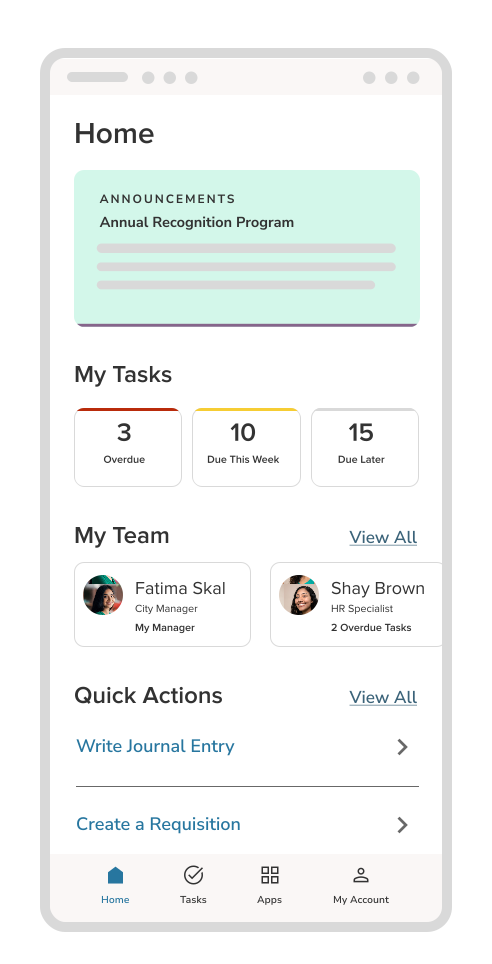
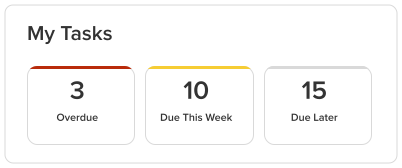
Employees can access their dashboard, clock in and out, submit time-off requests, complete onboarding forms, and handle other supported tasks from their phones.
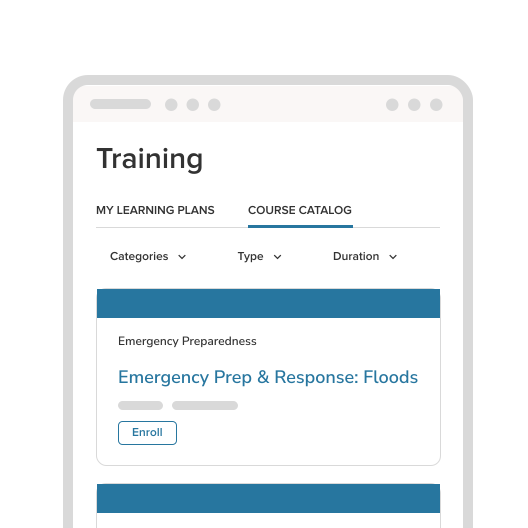

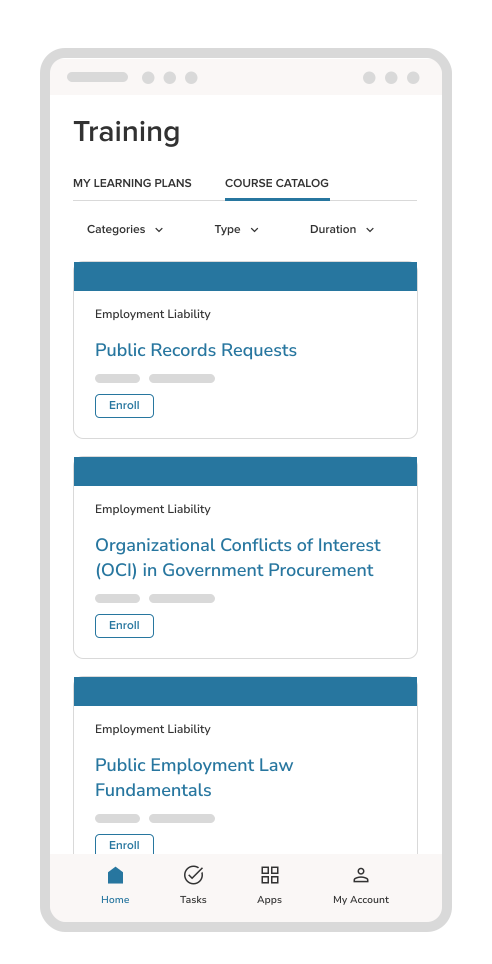
NEOGOV Mobile App Course Catalog

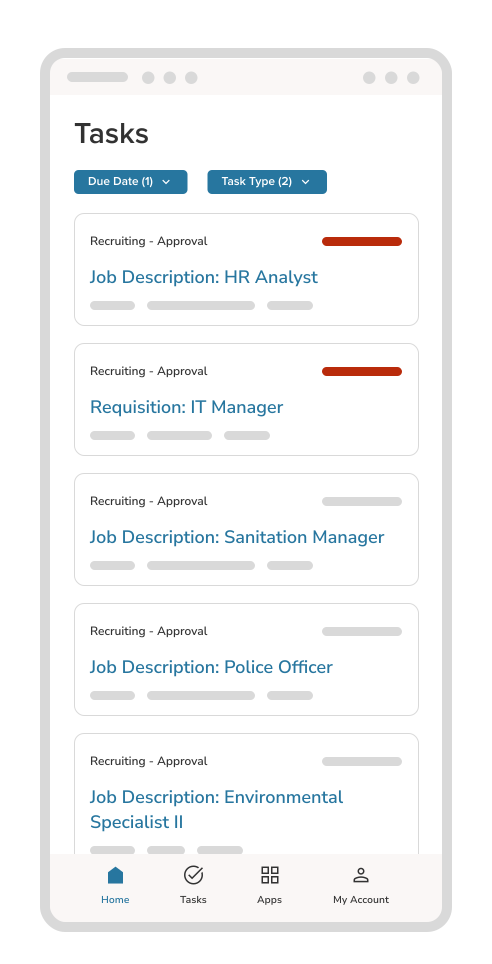
Supervisors can review and approve supported requests from the app, giving them a convenient way to act on work that needs their attention.
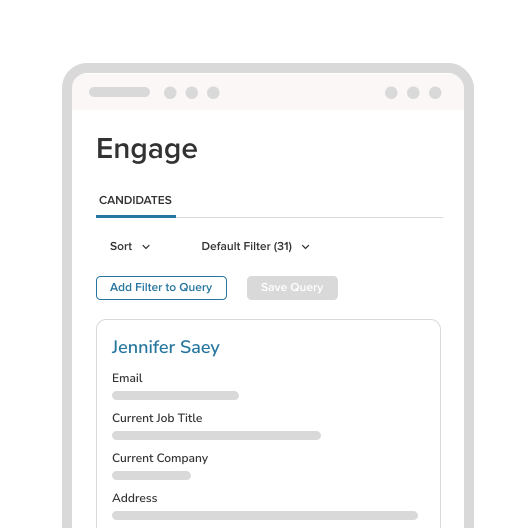
Mobile App Candidate Engagement

Use push notifications to alert employees to important updates and actions so information does not depend on someone checking email from a desktop.
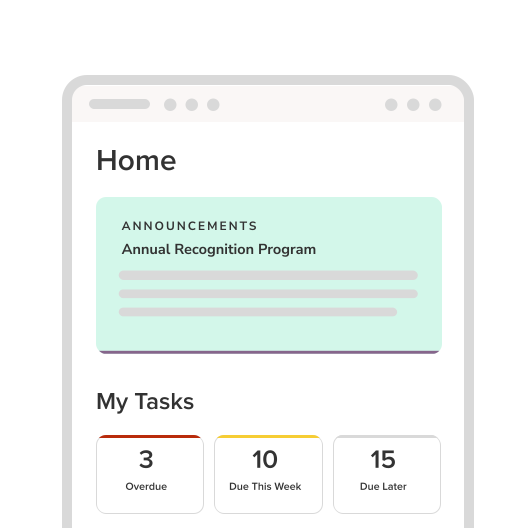

Mobile App Home Page
NEOGOV Mobile App Course Catalog
Mobile App Candidate Engagement
Mobile App Home Page
Man looking at a phone while on a couch at home

Complete Day-to-Day HR Tasks on Mobile

Give employees access to common HR activities through the same NEOGOV environment they already use.

Depending on the NEOGOV products available to your organization, supported mobile activities can include:

  • Accessing the NEOGOV dashboard and assigned tasks
  • Clocking in and out
  • Requesting time off
  • Completing assigned training
  • Completing onboarding tasks and forms
  • Reviewing employee benefits
  • Approving performance reviews and evaluations

Employees can take action when it is convenient, while HR and managers have another way to keep routine processes moving.

Headline introducing case studies

Bird eye view of a woman sitting with her laptop
HR Service Management & Investigations - Case Mgmt
Public Sector HR Has Outgrown the Inbox: Why Generic Ticketing Is Not Enough
A ticket can capture a request. Public sector HR needs a complete operating model for employee service, sensitive casework, team capacity, and ...
Woman's hands on a keyboard laptop
HR Service Management & Investigations - Case Mgmt
Why Sensitive Employee Relations and Investigations Need More Than Spreadsheets and Shared Drives
Spreadsheets and shared drives can store information. Sensitive employee and labor relations work needs controlled access, connected records, ...
Public Sector
Introducing Case Management: HR Service Management & Investigations Built for Government HR
Government HR teams manage everyday employee service and highly sensitive employee and labor relations work. Case Management brings both into a ...

Common Questions About the NEOGOV Mobile App

The NEOGOV Mobile App is available through both the Apple App Store and the Google Play Store.
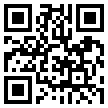
NEOGOV-APP-QR

Step-by-Step Instructions:

  1. From your device, navigate to the app in the Apple App Store or Google Play Store.
  2. Select Install, then Open to launch the NEOGOV Mobile application.
  3. Select the Log In button.
  4. Follow the on-screen prompts to complete the initial setup steps for your institution.


You can access your dashboard, clock in and out, submit time-off requests, complete onboarding forms, approve supported requests as a supervisor, and receive push notifications for important updates. Additional functionality depends on the NEOGOV products your organization uses.

No. NEOGOV is mobile-enabled, so supported experiences can also be accessed through a web browser on a phone, tablet, or other device. The app is optional and provides added convenience, including push notifications.

Yes. Use the same NEOGOV credentials you use to access NEOGOV through the website.

Most employee-facing functions are available on mobile. Administrators may need to use the desktop experience for some creation or configuration tasks, while viewing, approvals, and many day-to-day activities are supported on mobile.

Lorem ipsum dolor sit amet

Ut enim ad minim veniam, quis nostrud exercitation ullamco laboris nisi ut aliquip ex ea commodo consequat.

Rectangle 70 (1)
Talent Aquisition
Lorem ipsum dolor sit amet

Ut enim ad minim veniam, quis nostrud exercitation ullamco laboris nisi ut aliquip ex ea commodo consequat.

Rectangle 77
Talent Aquisition
Lorem ipsum dolor sit amet

Ut enim ad minim veniam, quis nostrud exercitation ullamco laboris nisi ut aliquip ex ea commodo consequat.
Rectangle 77 (3)
Talent Aquisition
Lorem ipsum dolor sit amet

Ut enim ad minim veniam, quis nostrud exercitation ullamco laboris nisi ut aliquip ex ea commodo consequat.

See What the NEOGOV App Can Do